> ## Documentation Index
> Fetch the complete documentation index at: https://docs-cbf.growthtak.com/llms.txt
> Use this file to discover all available pages before exploring further.
# Medications
> Record the medicines and vaccines actually given to a batch.
Medications are under **Daily Activity → Medications**, alongside day entries.
A **medication** records what was actually **administered** to the birds on a given day — a vaccine or a course of medicine. This is separate from a [Medicine Purchase/Transfer](/transactions/medicine), which only changes stock.
## Recording a medication
Select **New medication**.
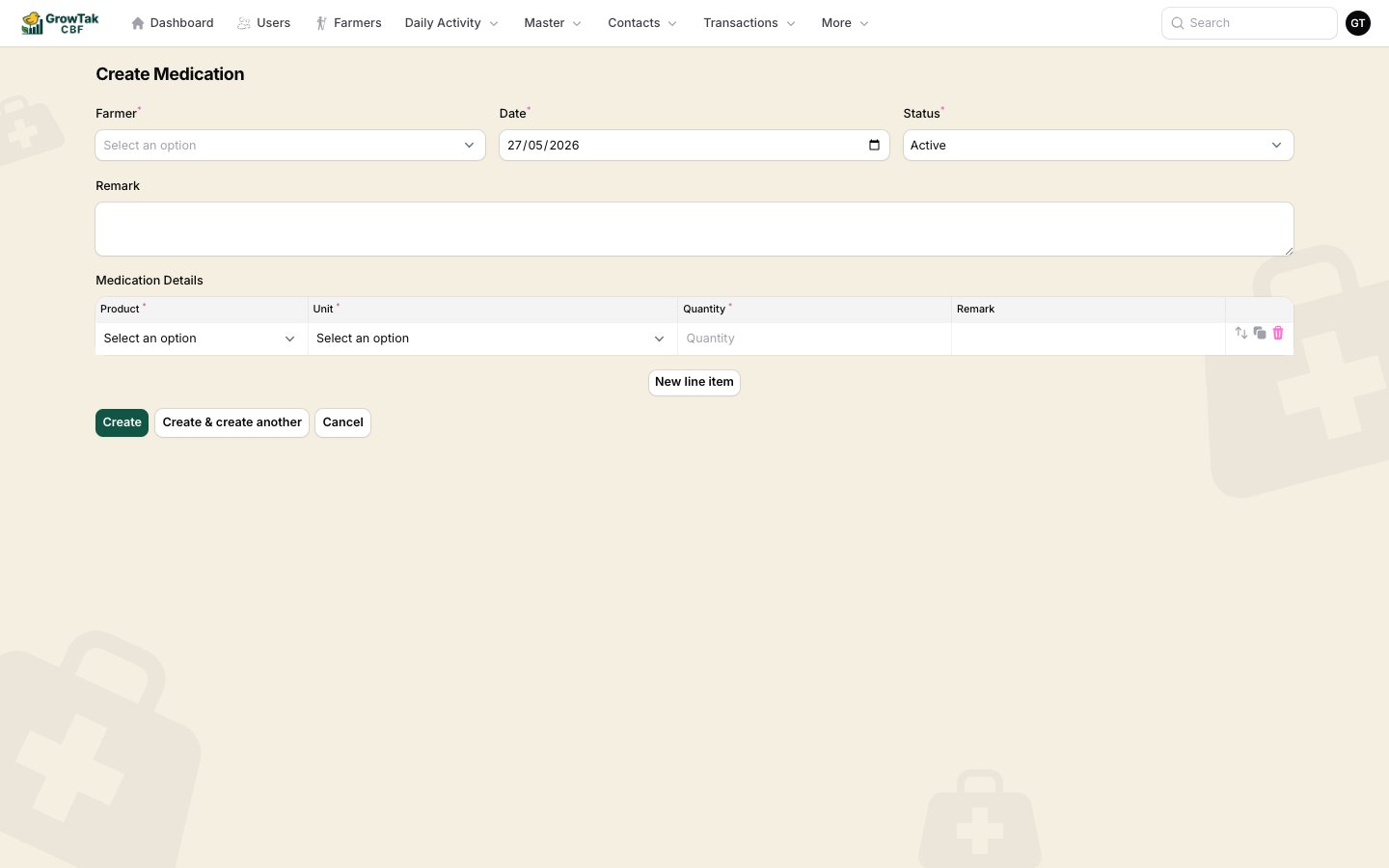 | Field | Notes |
| ------------------ | -------------------------------------------------------------------------- |
| **Farmer / Batch** | The batch treated (active batches; assigned batches only for supervisors). |
| **Date** | When it was given. Defaults to today. |
| **Status** | *Active* or *Inactive*. |
| **Remark** | Optional notes. |
**Medication details** — one row per product:
| Column | Notes |
| ------------ | ---------------------------------------------- |
| **Product** | The medicine/vaccine (medicine-type products). |
| **Unit** | Auto-filled from the product. |
| **Quantity** | How much was given. |
| **Remark** | Optional. |
Add rows for each product administered, then save.
## Where medications appear
* On the batch dashboard's **Medications** tab.
* In the **Vaccine Due** alert and report, which compares the batch program's scheduled vaccines against what's been recorded — so nothing is missed.
Recording medications consistently keeps the **Vaccine Due** alerts meaningful and gives you a complete health history for each flock.
## Browsing medications
| Field | Notes |
| ------------------ | -------------------------------------------------------------------------- |
| **Farmer / Batch** | The batch treated (active batches; assigned batches only for supervisors). |
| **Date** | When it was given. Defaults to today. |
| **Status** | *Active* or *Inactive*. |
| **Remark** | Optional notes. |
**Medication details** — one row per product:
| Column | Notes |
| ------------ | ---------------------------------------------- |
| **Product** | The medicine/vaccine (medicine-type products). |
| **Unit** | Auto-filled from the product. |
| **Quantity** | How much was given. |
| **Remark** | Optional. |
Add rows for each product administered, then save.
## Where medications appear
* On the batch dashboard's **Medications** tab.
* In the **Vaccine Due** alert and report, which compares the batch program's scheduled vaccines against what's been recorded — so nothing is missed.
Recording medications consistently keeps the **Vaccine Due** alerts meaningful and gives you a complete health history for each flock.
## Browsing medications
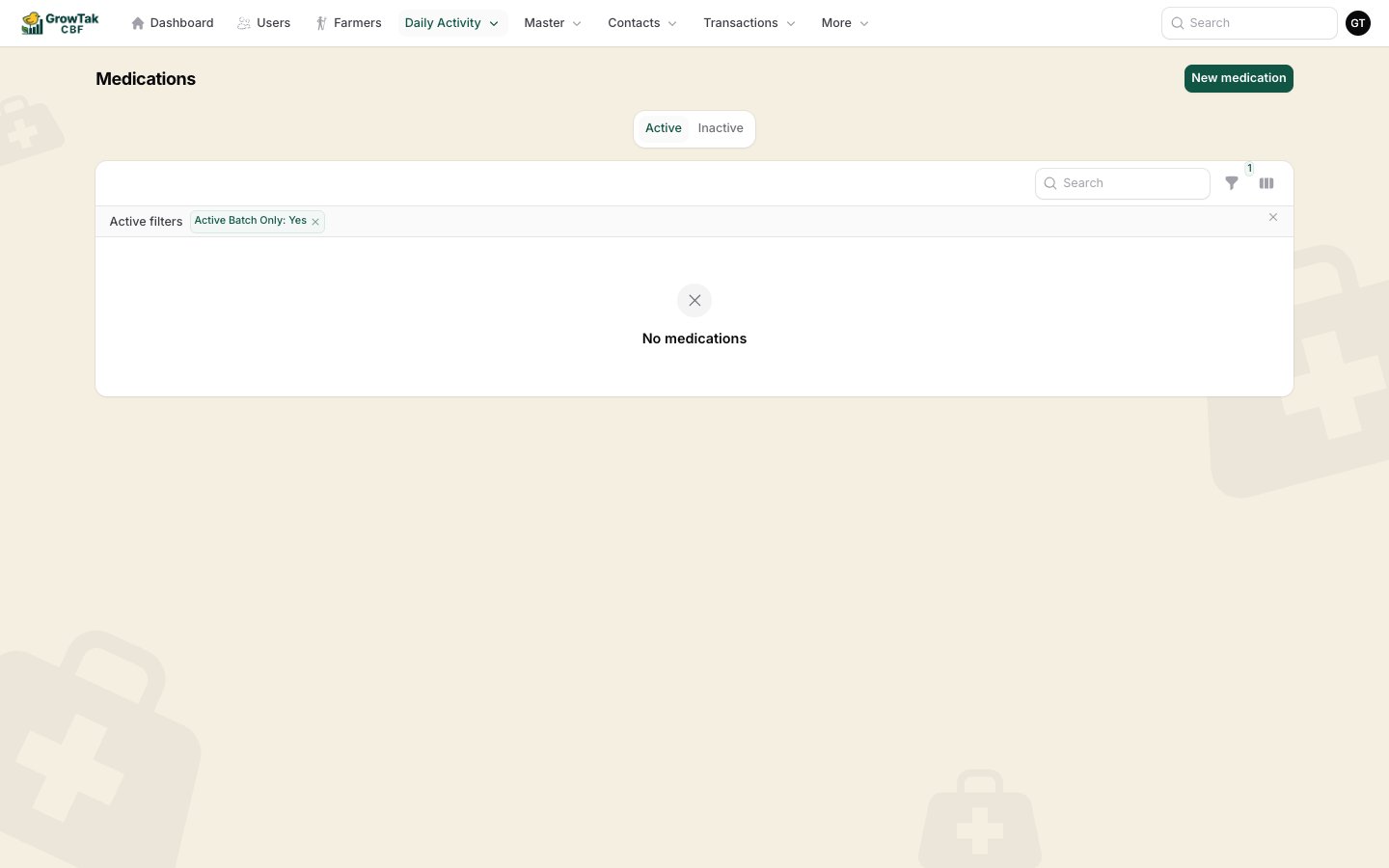 Filter by batch, date range, or batch status. On mobile the list becomes tap-friendly cards.