> ## Documentation Index
> Fetch the complete documentation index at: https://docs-cbf.growthtak.com/llms.txt
> Use this file to discover all available pages before exploring further.
# Contacts — farmers, suppliers & traders
> Keep a directory of everyone you do business with, split into three types.
Everyone you deal with in GrowTak is a **contact**, and there are three kinds:
Grow your birds. Each farmer can run many batches over time, but only **one active batch** at a time.
Sell you chicks, feed, or medicine. Chosen on **purchase** transactions.
Buy your grown birds (the customer). Chosen on **bird sales**.
They share the same details and live under the **Contacts** menu (Farmers and Suppliers), with Traders nearby. Farmers have a couple of extra fields and quick actions, covered in [Farmers](/farmers-batches/farmers).
## Shared contact fields
| Field | Notes |
| --------------------------------- | -------------------------------------------------------------------------------------------------------------------------------------------------------- |
| **Name** | The person's name. |
| **Farm / Company / Contact name** | The secondary name — *Farm Name* for a farmer, contact person for a supplier, etc. |
| **Mobile** | Phone number — also powers the **Call** and **WhatsApp** shortcuts in the list. |
| **Address** | Free text. |
| **Geo location** | Latitude/longitude of the farm. Used to check how far a [day entry](/daily-entry/gps-tagging) was captured from the farm. Use **Pick on map** to set it. |
| **Farm capacity / limit** | The farm's bird capacity (farmers). |
| **PAN card number** | Farmer tax ID (stored in upper case). |
| **Status** | *Active* or *Inactive*. |
| **Remark** | Optional notes. |
## Working with the list
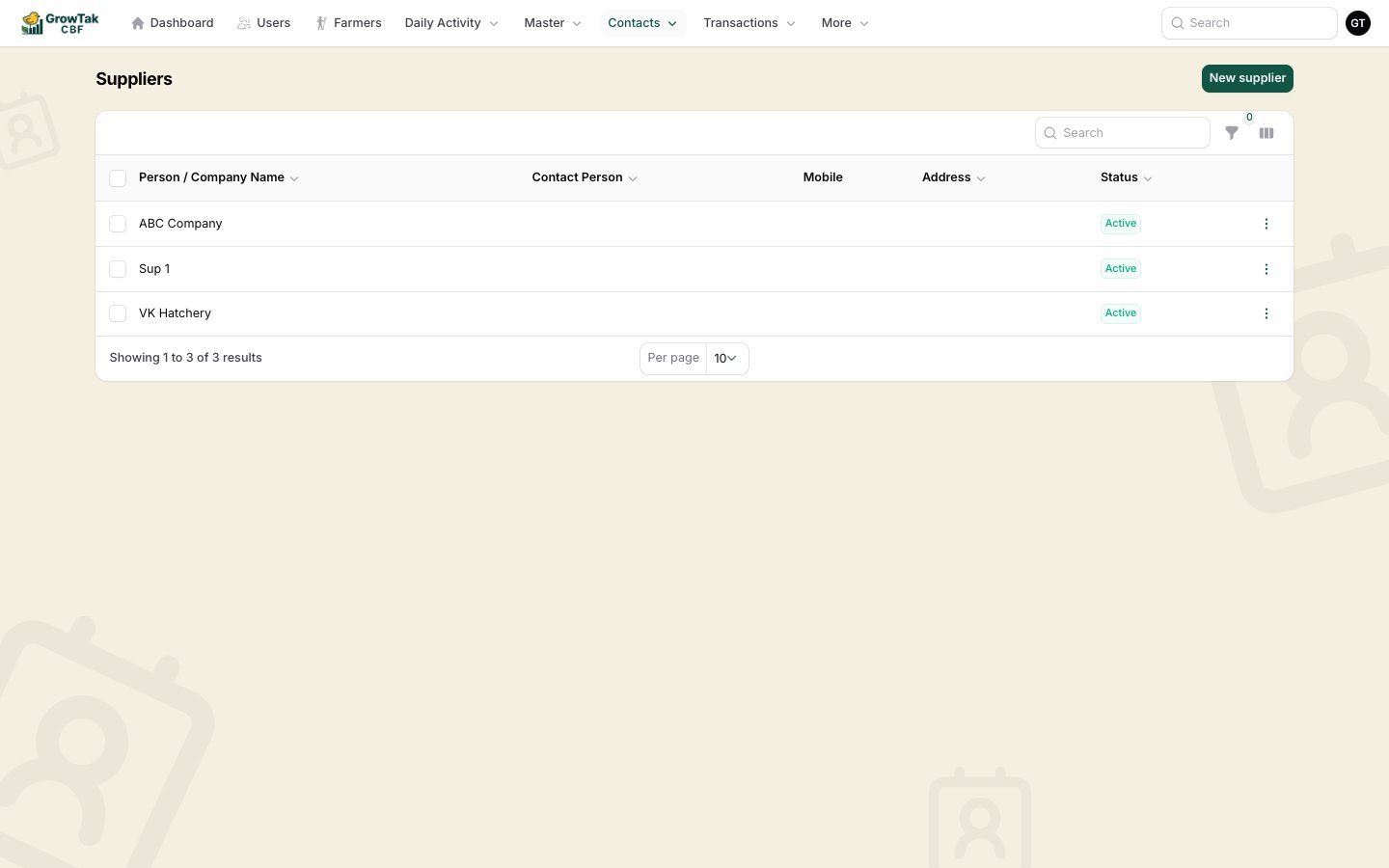 From the contact list you can:
* **Search** and **filter** (e.g. by status, or farm-capacity range for farmers).
* **View**, **Edit**, or **Delete** a contact.
* **Call** (opens the dialler) or **Chat** (opens WhatsApp) using the saved mobile number.
* On mobile, the list switches to easy-to-tap cards.
A contact **cannot be deleted** once it's linked to history — a farmer with batches/loans/payments, a supplier with purchases, or a trader with sales. Mark them **Inactive** instead.
From the contact list you can:
* **Search** and **filter** (e.g. by status, or farm-capacity range for farmers).
* **View**, **Edit**, or **Delete** a contact.
* **Call** (opens the dialler) or **Chat** (opens WhatsApp) using the saved mobile number.
* On mobile, the list switches to easy-to-tap cards.
A contact **cannot be deleted** once it's linked to history — a farmer with batches/loans/payments, a supplier with purchases, or a trader with sales. Mark them **Inactive** instead.