

A Bird Sale records grown birds leaving a batch for a trader. It’s usually created automatically when you convert a lifting intent, but you can also create one directly.
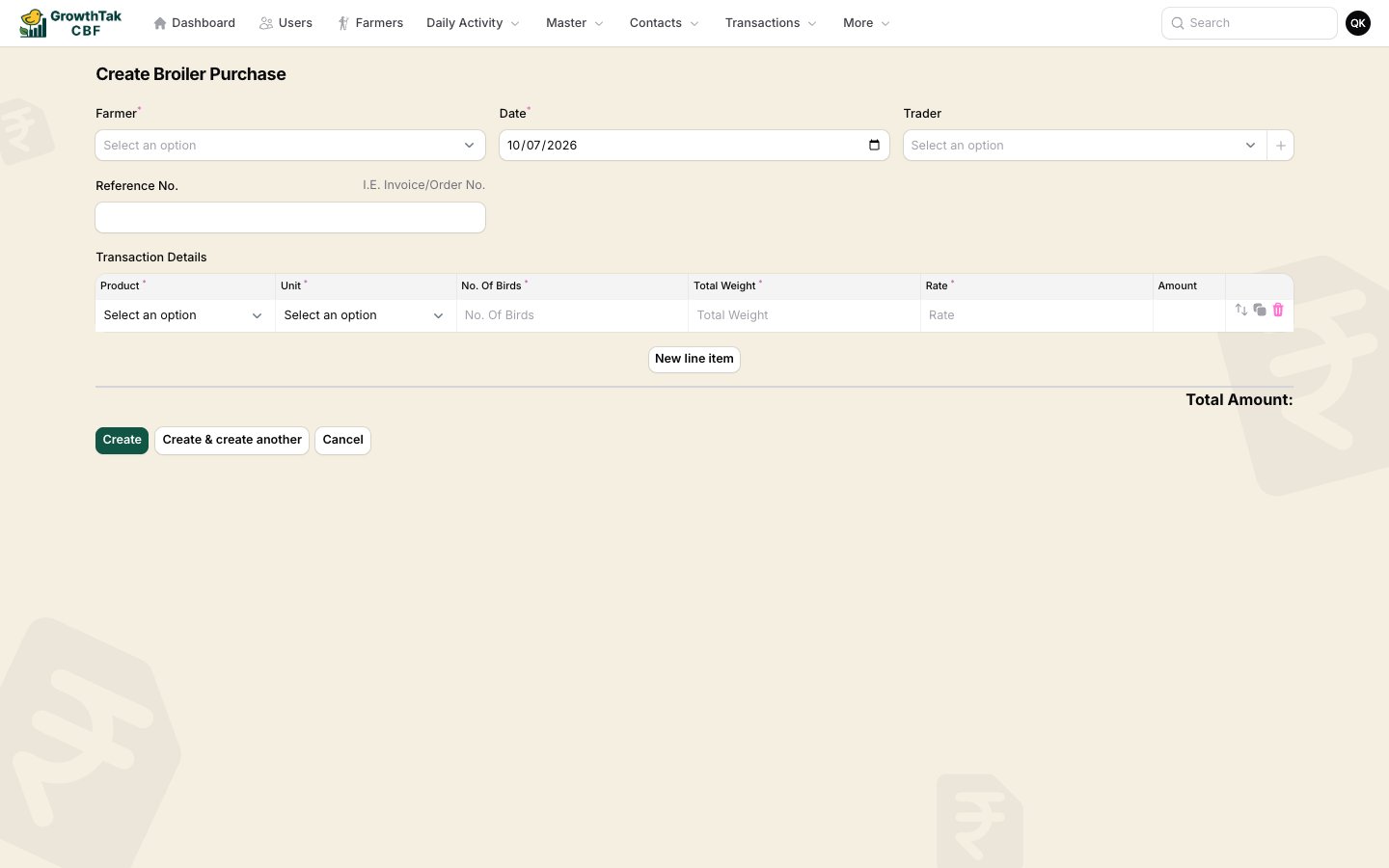
Bird sale create form
FieldNotes
Farmer / BatchThe batch the birds come from.
DateThe sale date.
To Customer / TraderWho’s buying. Leave blank for godown.
Reference No., DC NumberDocument references.
StatusLeave as Completed.
RemarkOptional.
Line items: Product, Unit, No. of Birds, Total Weight, Rate (per kg), and a calculated Amount.

Auto vs manual weight

How the Total Weight is filled depends on where the sale came from:
SourceWeight sourceBehaviour
Converted from a lifting intentAutoTotal weight is derived from the sampled average — the field is read-only so it can’t be mistyped.
Created directlyManualYou enter the weight yourself.
A Weight Source badge (Auto/Manual) appears in the bird sale list so you can see which sales were backed by sampling.

What a bird sale affects

  • Reduces the batch’s remaining bird count and records the total weight sold and sale revenue.
  • Provides the birds sold, weight, and sale rate that the GC calculation and the Lifting report rely on.
  • If it was converted from an intent, it closes that intent.
Because the GC payment depends on birds sold, total weight, and sale rate, always create the sale by converting the lifting intent — that keeps the weight accurate and the intent reconciled.