

Before you start
Make sure these masters exist (they usually do, from your initial setup):- A bird profile for the breed.
- A batch program for the feeding/vaccine plan.
- A GC scheme for how the farmer will be paid.
- The farmer, with no other active batch.
Creating the batch
Go to Batches → New batch (or press New batch on a farmer’s row to pre-fill the farmer).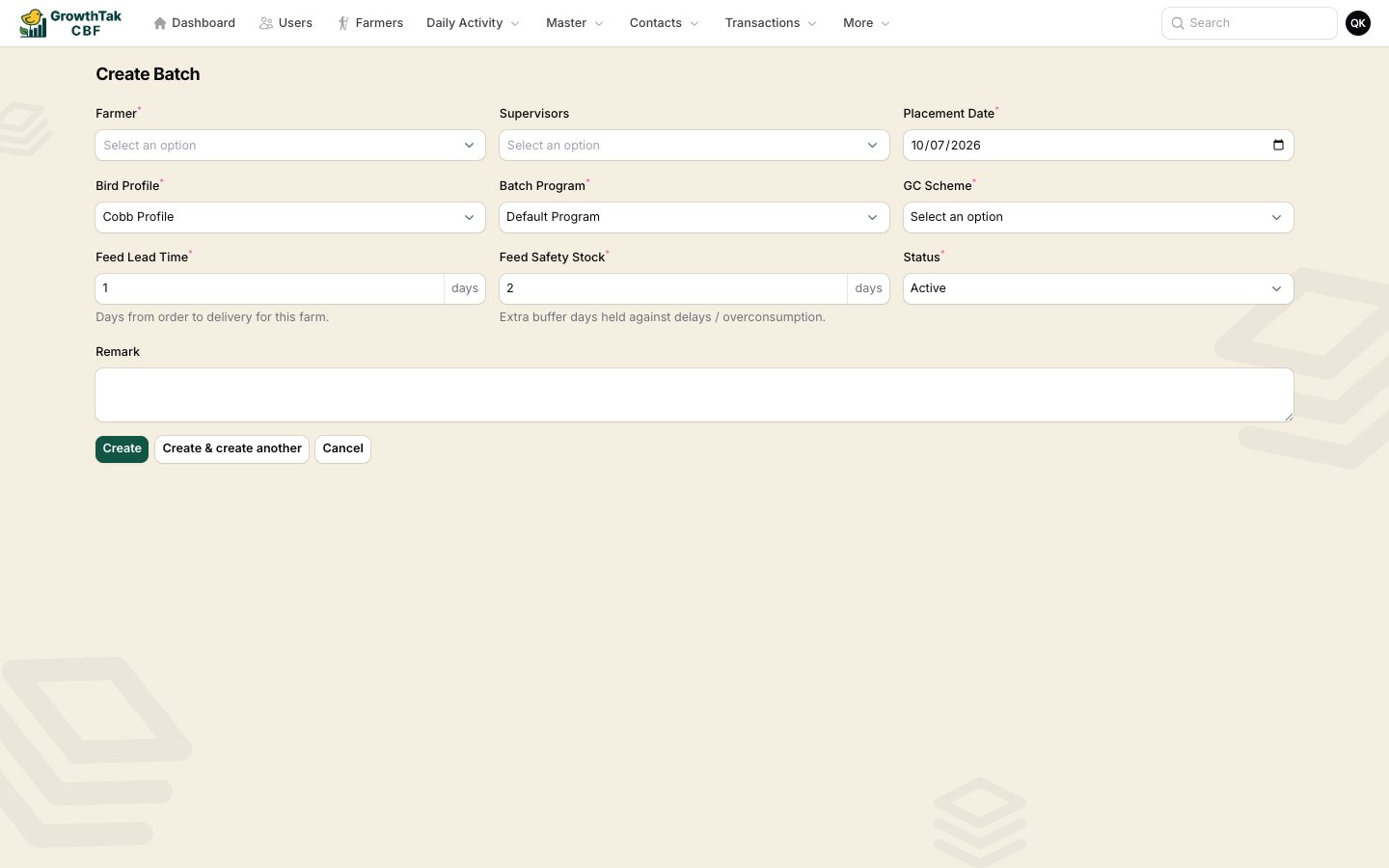
Creating a batch.
Select Create. GrowthTak CBF generates a unique batch code and opens the batch.
Creating the batch doesn’t place chicks by itself. Record the actual placement with a Bird Purchase transaction — that sets the opening bird count and first-day weight.
Finding batches later
The Batches screen lists all batches, searchable by batch code or farmer and filterable by farmer, placement date, and closed date.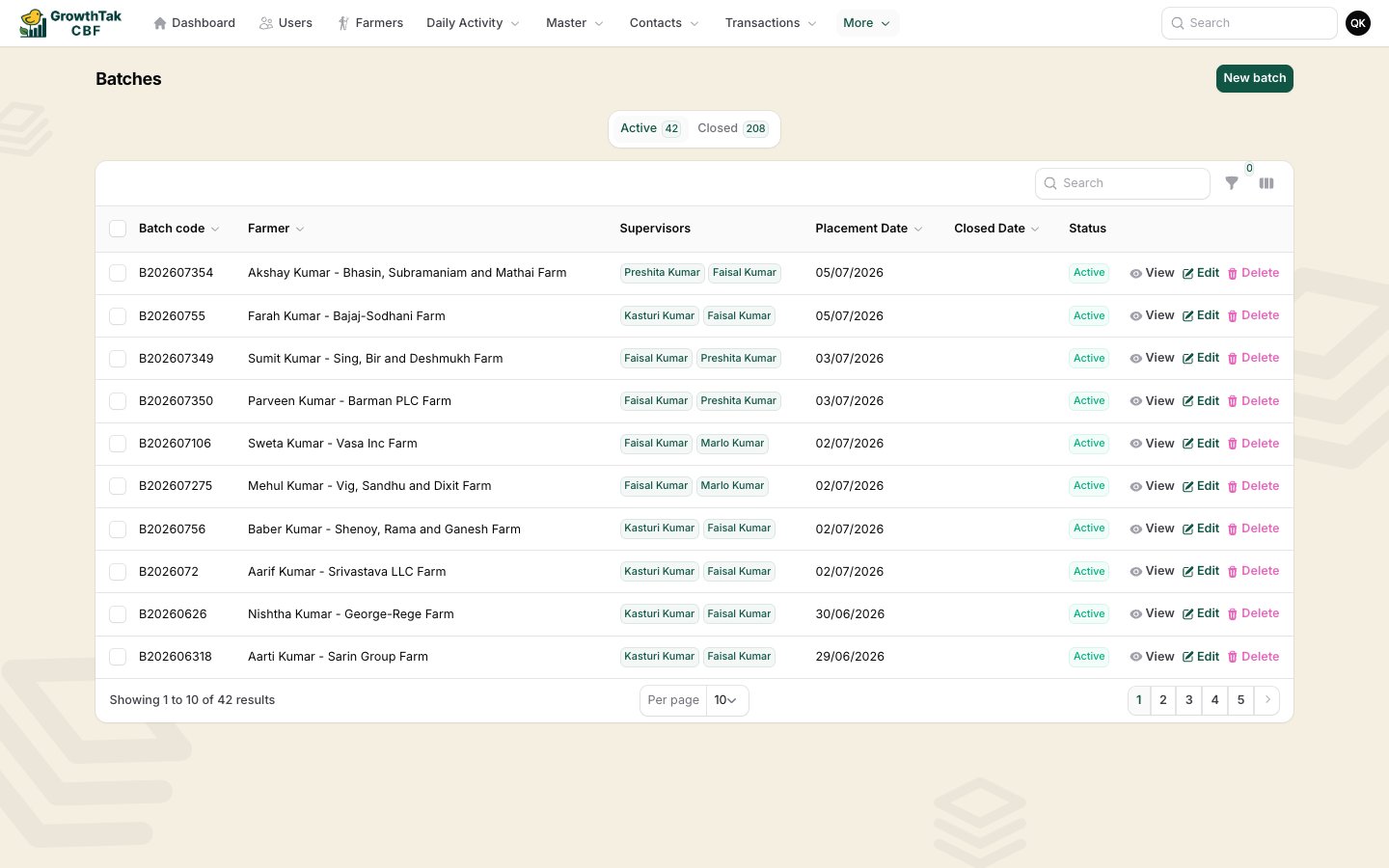
The Batches list.