

Medications are under Daily Activity → Medications, alongside day entries.
Recording a medication
Select New medication.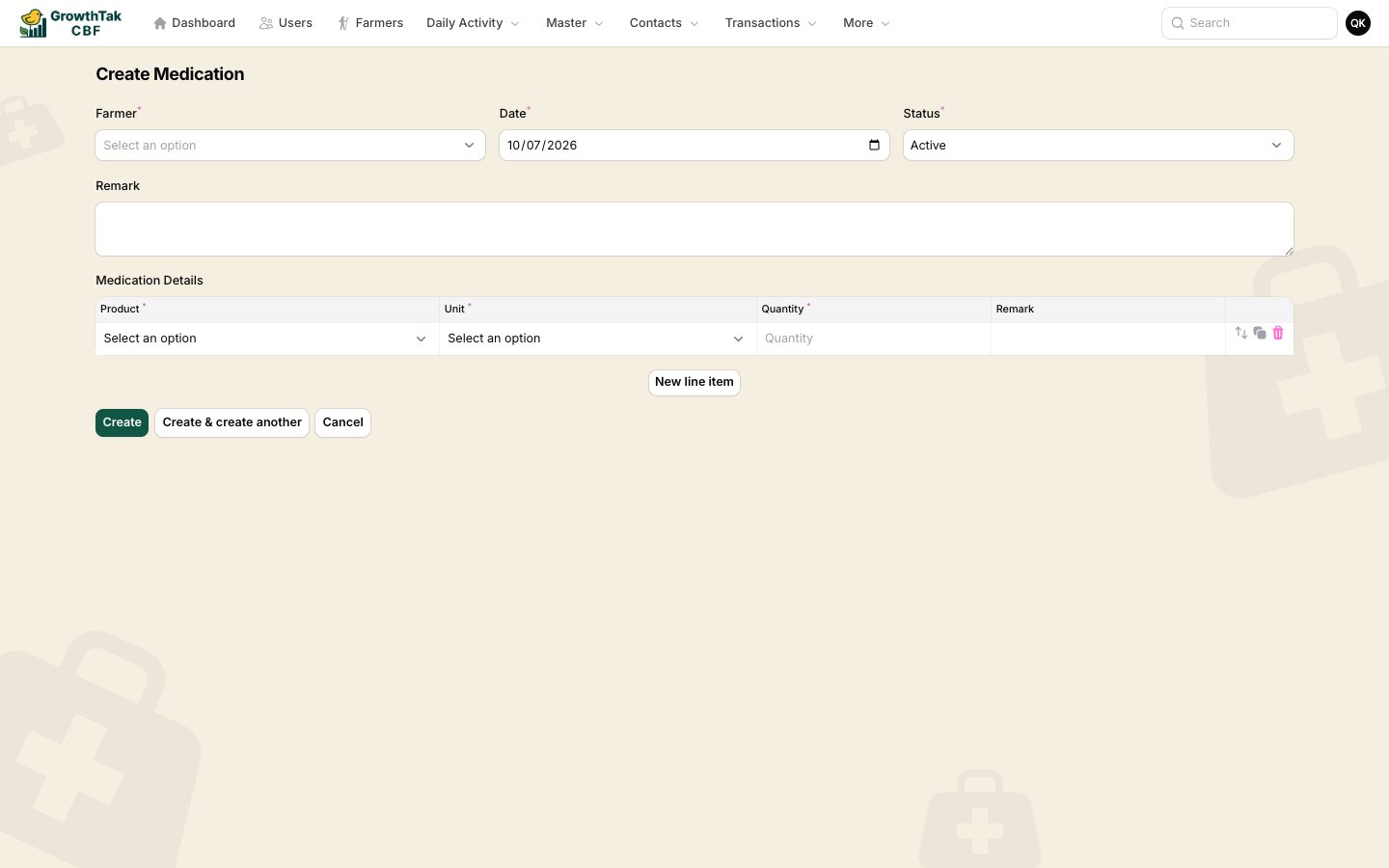
Recording a medication.
Medication details — one row per product:
Add rows for each product administered, then save.
Where medications appear
- On the batch dashboard’s Medications tab.
- In the Vaccine Due alert and report, which compares the batch program’s scheduled vaccines against what’s been recorded — so nothing is missed.
Browsing medications
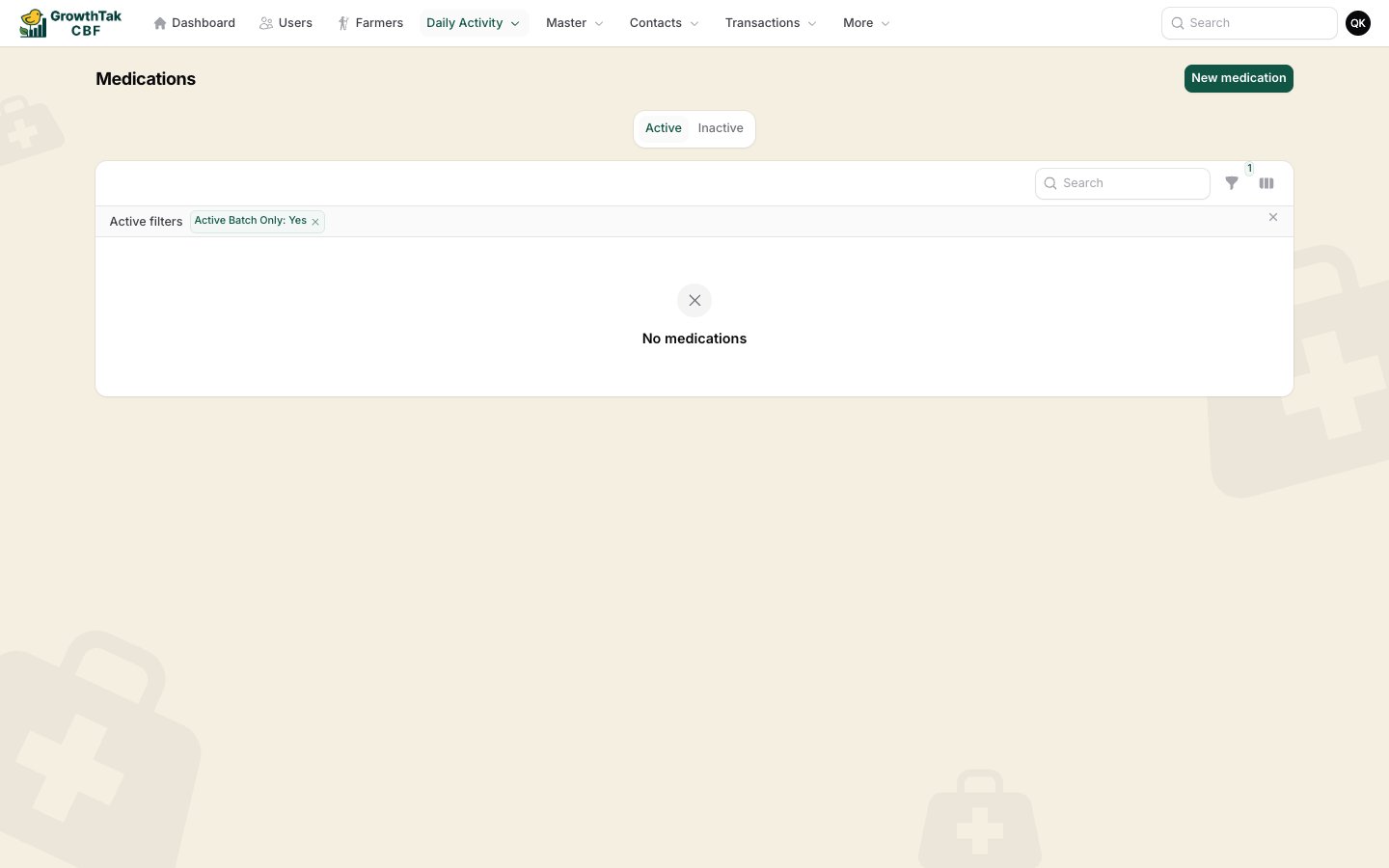
The Medications list.