

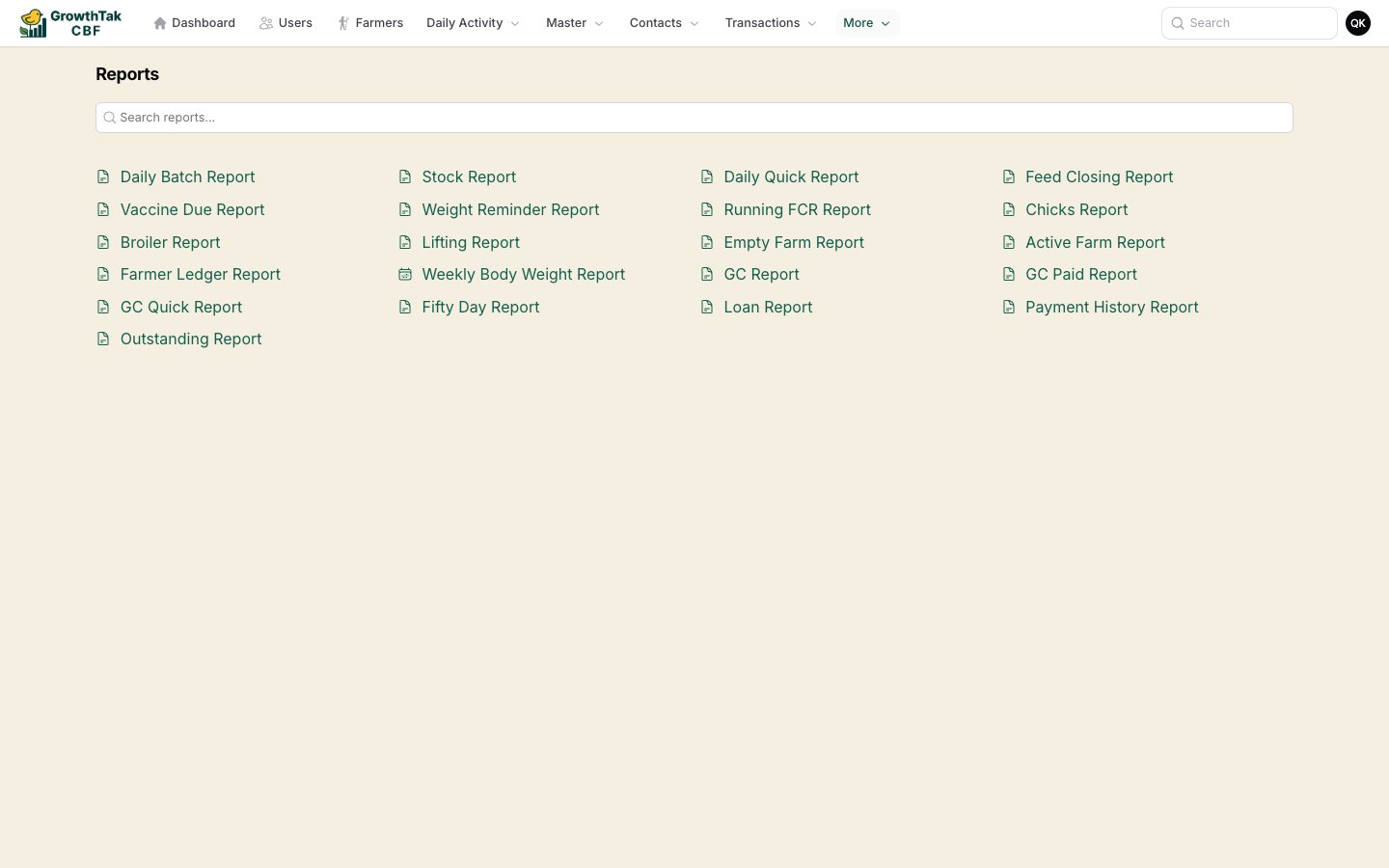
The Reports hub — search and open any report.
How every report works
Reports share the same simple layout: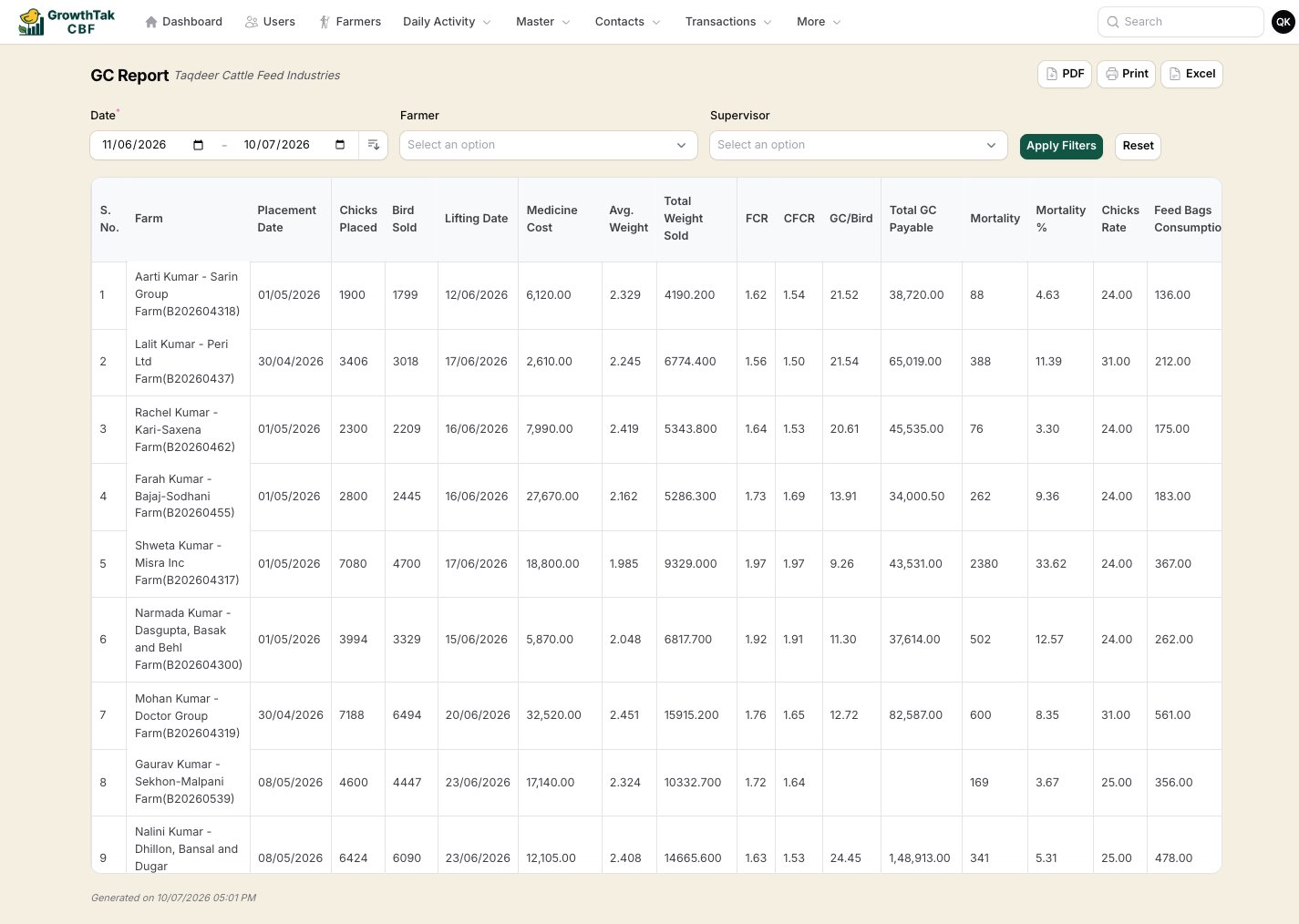
A typical report — filters on top, actions top-right, results below.
- Filters at the top — commonly a date range, farmer, and (for admins) a supervisor filter. Set them and press Apply Filters; Reset clears them.
- Export actions top-right:
- PDF — a print-ready PDF with your company header (landscape for wide reports).
- Print — send straight to a printer.
- Excel — download the table for your own analysis.
- A results table, often with a Total / Average row.
The four report families
Production reports
Day-to-day flock performance — daily logs, FCR, weights, stock, and feed closing.
GC & lifting reports
Grower-contract profitability, payment status, and lifting summaries.
Financial reports
Payments, loans, outstanding balances, and the transaction ledger.
Operational reports
Active and idle farms, vaccine due, weight reminders, and the farm map.