

The six transaction types
Your company may have renamed these in Company Settings. The action is unchanged — this guide always uses the default names above.
What every transaction has
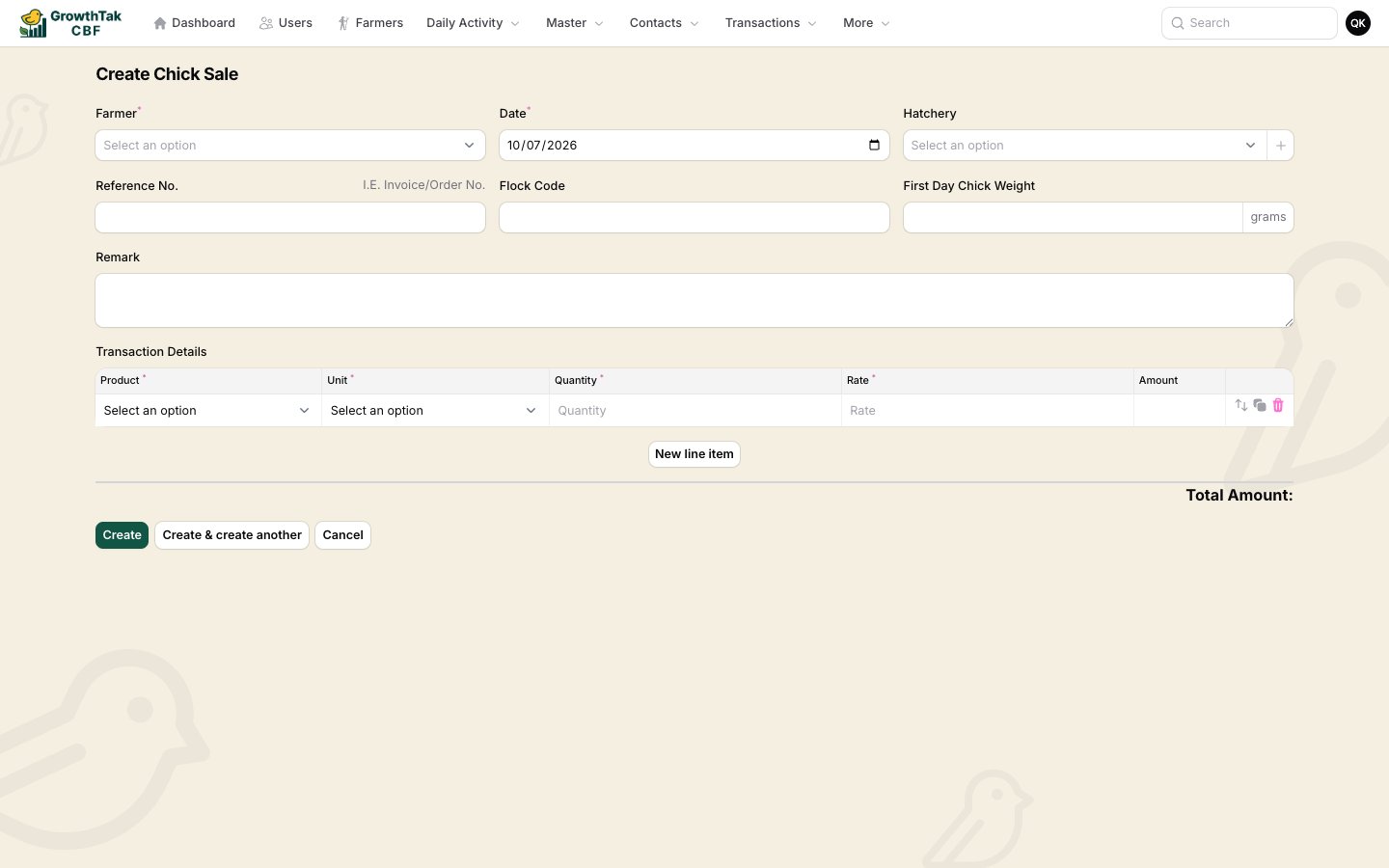
A purchase form — header fields on top, line items below.
- Farmer / Batch — the batch the transaction belongs to.
- Date — defaults to today.
- Contact — the supplier (purchases), trader (bird sale), or destination farmer (transfers). For transfers, leaving it blank means godown (your own store).
- Reference No. — invoice/order number.
- DC Number — delivery challan number.
- Status — see below; defaults to Completed.
- Remark — optional notes.
- Product, Unit, Quantity, Rate, and a calculated Amount.
- A Total Amount is summed at the bottom.
Transaction status
For everyday entry, leave the status as Completed.
How transactions affect stock & cost
- Purchases add stock to the batch (birds, feed, or medicine) and record a cost (quantity × rate).
- Sales reduce bird count and record revenue.
- Transfers move stock from one batch to another (out of one, into the other) and carry no rate — they’re a stock movement, not a purchase.