

Creating a lifting intent
Go to Transactions → Lifting Intents → New.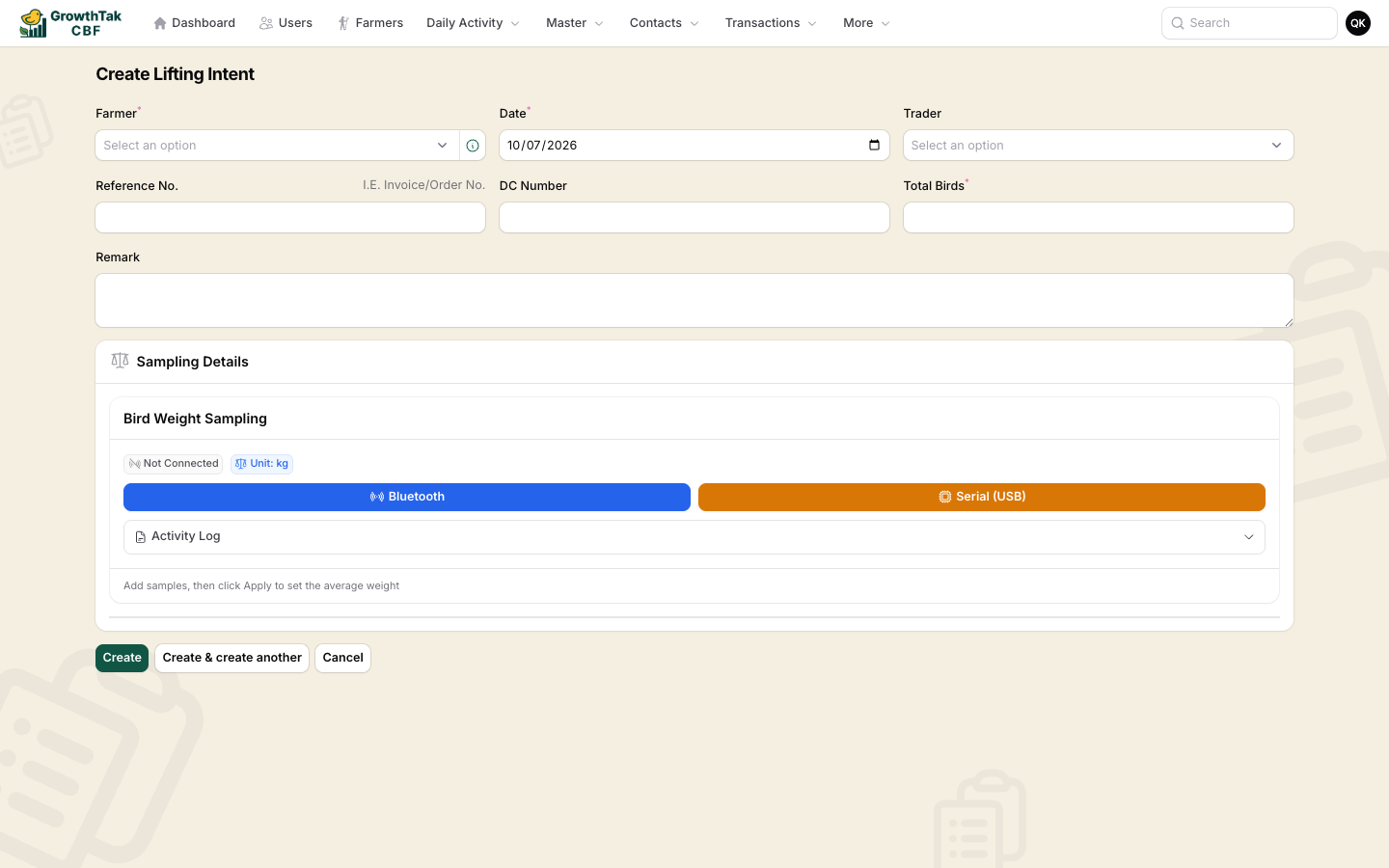
Creating a lifting intent, with the bird-weight sampling panel.
Sampling details
In the Bird Weight Sampling panel, weigh a representative group of birds:1
Connect a scale (optional)
Tap Bluetooth or Serial (USB) to stream readings from a weighing scale, or enter samples by hand.
2
Add samples
Each sample records a number of birds and their weight. The Activity Log lists what you’ve captured.
3
Apply
GrowthTak CBF computes the average weight per bird for the lift.
Converting to a bird sale
From the lifting intents list, an Open intent that has sampling data shows a Convert action.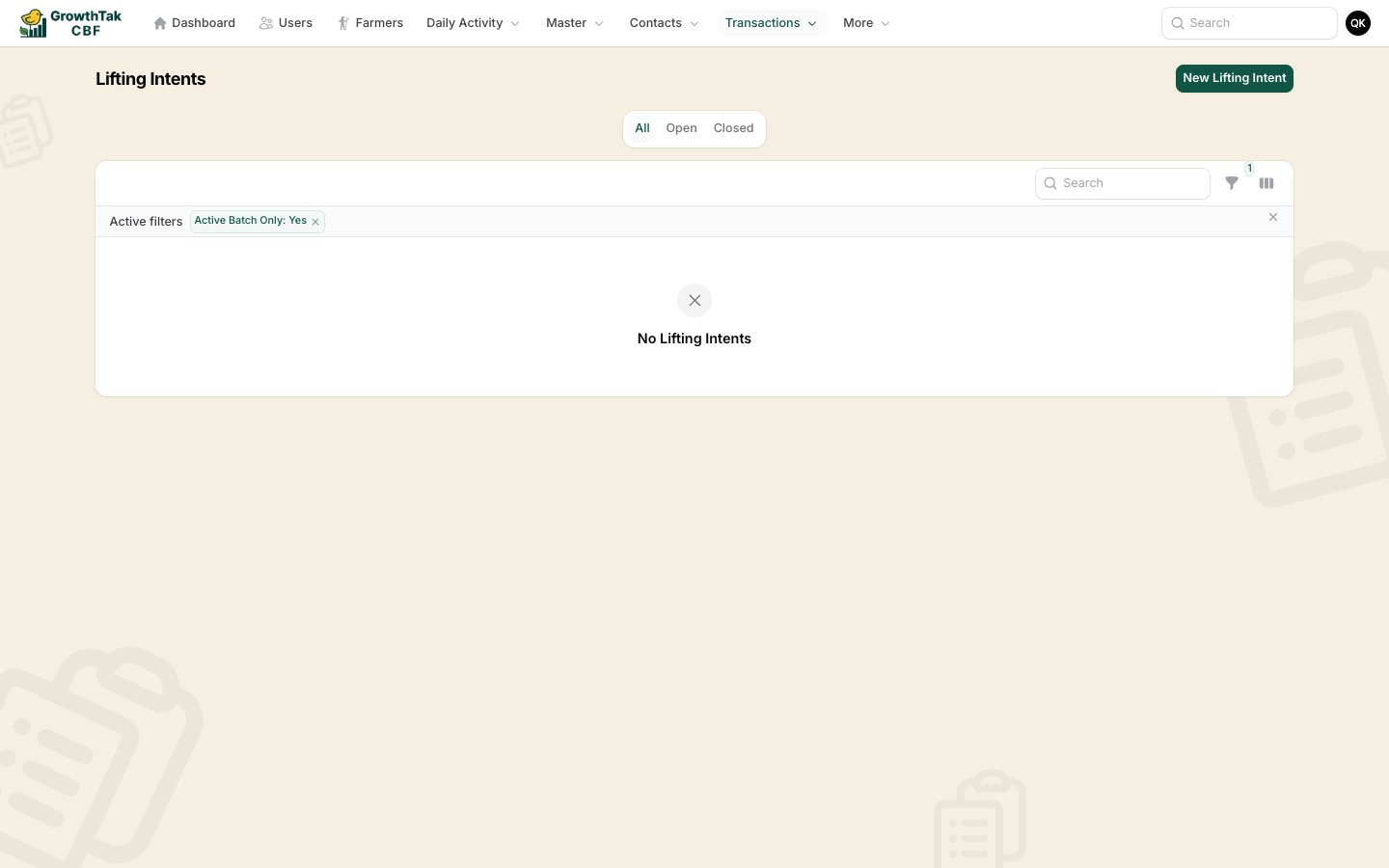
The Lifting Intents list — Convert turns an open intent into a bird sale.
Status & locking
Creating the bird sale closes the intent (and locks it from editing). If you delete that bird sale, the intent re-opens so it can be used again.