

Closing a batch marks the end of a flock’s cycle. You close it once the birds are sold, the GC is calculated, and the farmer has been settled.

When to close

Close a batch only when:
  • All bird sales (lifts) are recorded.
  • Day entries are complete up to the last day.
  • The GC has been calculated and saved.
  • The payment to the farmer has been made (or scheduled).

How to close

On the batch dashboard, select Close Batch (top-right) and confirm.
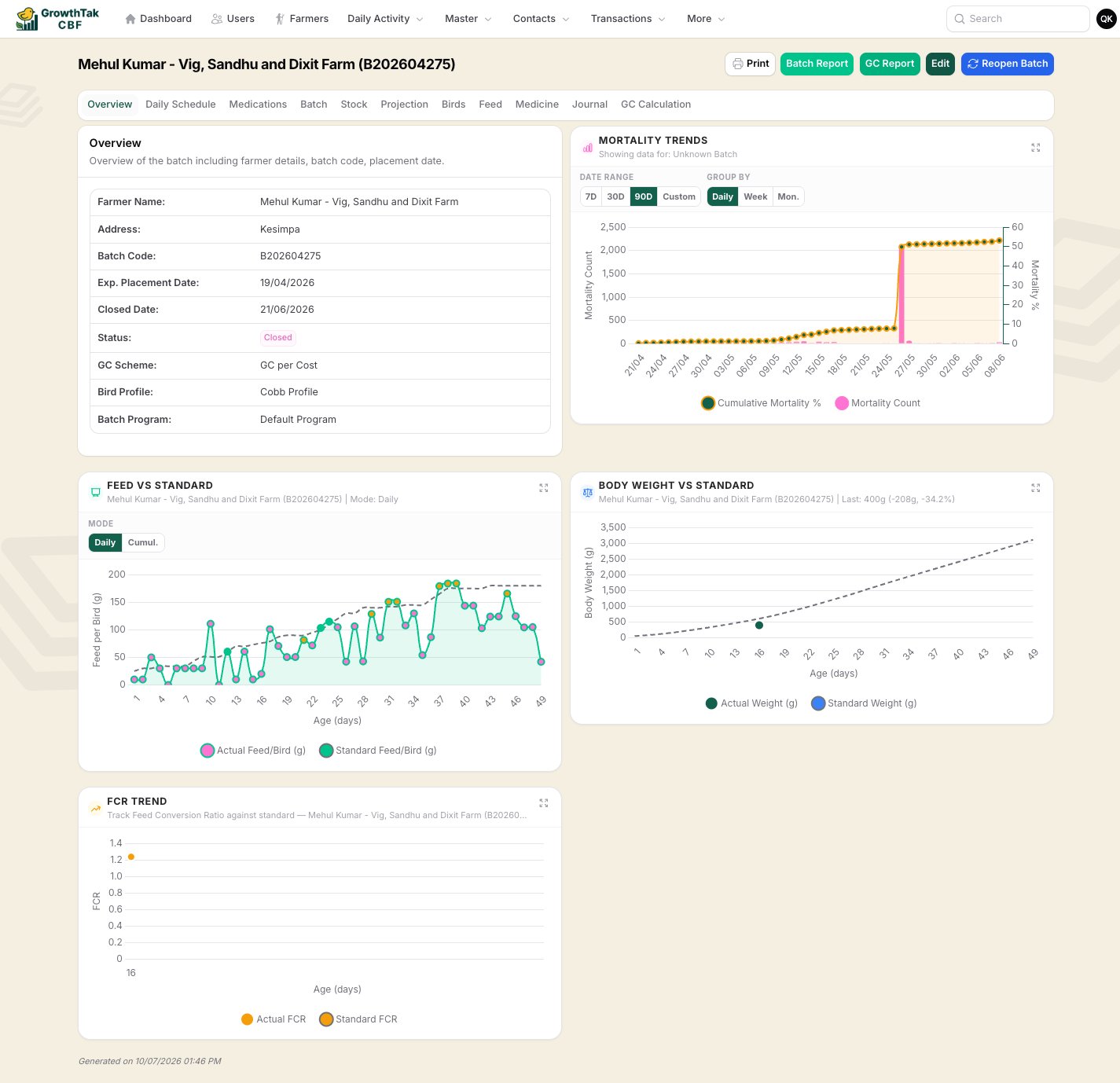
Batch header with Close Batch
On closing, GrowTak:
  • Sets the batch status to Closed and records the closed date and who closed it.
  • Frees the farmer to start a new batch (a farmer can only have one active batch).
  • Keeps every record intact for reporting and reference.
If you’ve set Auto-Close Batch After GC Save in Company Settings, batches close themselves a set number of days after their GC is saved — no manual step needed.

Reopening a batch

Made a mistake, or need to add a late entry? Open the closed batch and select Reopen Batch. This sets it back to Active, clears the closed date, and lets you edit again. Reopen, fix, recalculate the GC if needed, then close once more.
Closed batches are hidden from supervisors unless they have the See closed batch permission. If a supervisor reports a batch “disappeared”, it has likely been closed.

After closing

A closed batch still appears in Batches (with admins, and supervisors who can see closed batches) and in all historical reports. Its GC paid status continues to be tracked in the GC Paid report until the payment is marked paid.