

Create the batch first (Creating a batch), then record the placement here. One bird purchase per batch is normal — GrowthTak CBF warns you if a batch already has one.
Recording a placement
Go to the Bird Purchase screen and select New.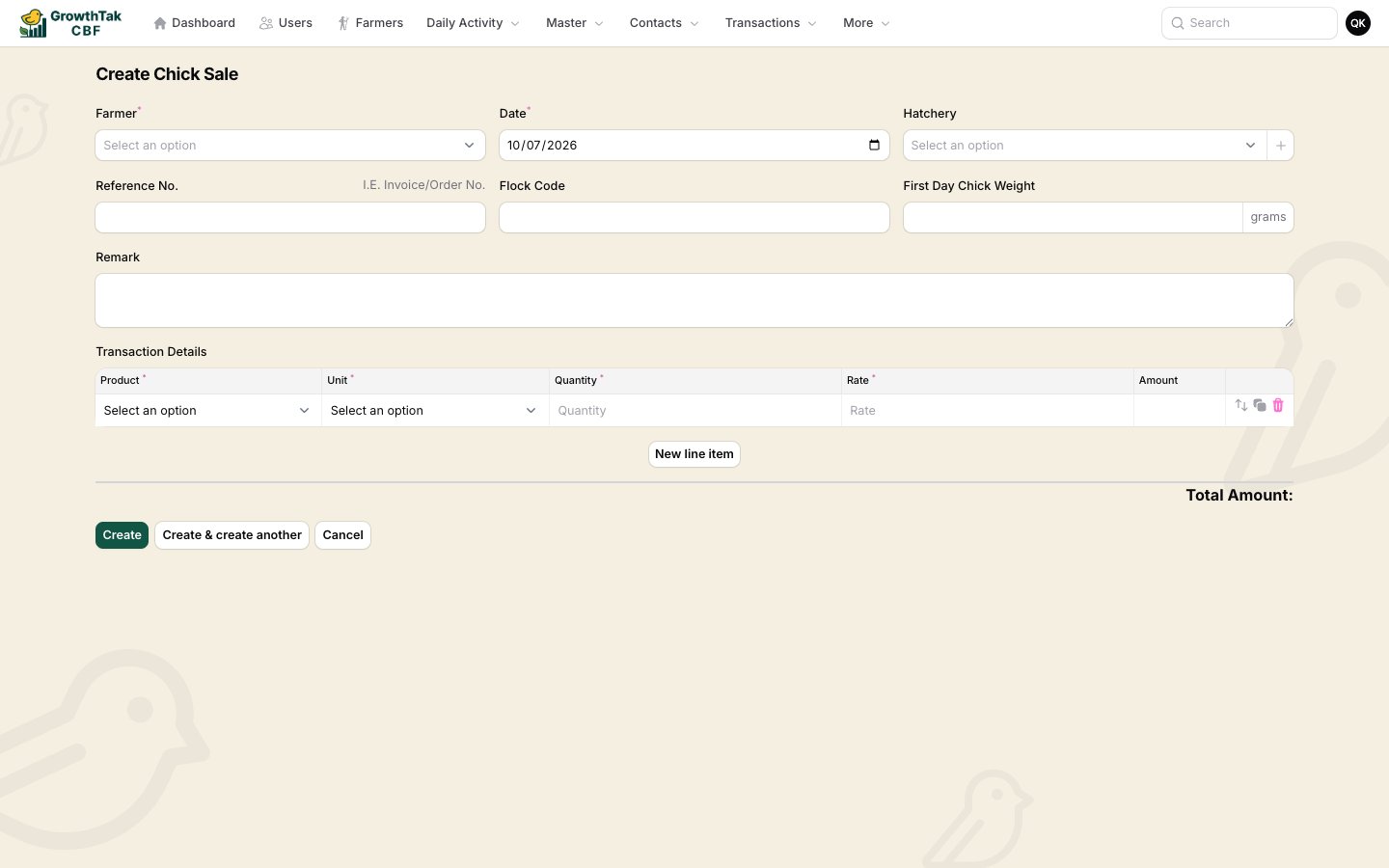
Recording a chick placement.
Line item:
Select Create. The batch now has its opening stock of birds.
What this sets up
- Opening bird count — the baseline for mortality and “remaining birds”.
- First-day weight & flock code — recorded against the batch.
- Chick cost — feeds the cost breakdown used at GC time.
Browsing placements
The list shows each placement with farmer, date, reference, flock code, first-day weight, hatchery, products, bird count, total quantity, amount, and status. Filter by hatchery, batch, or date range.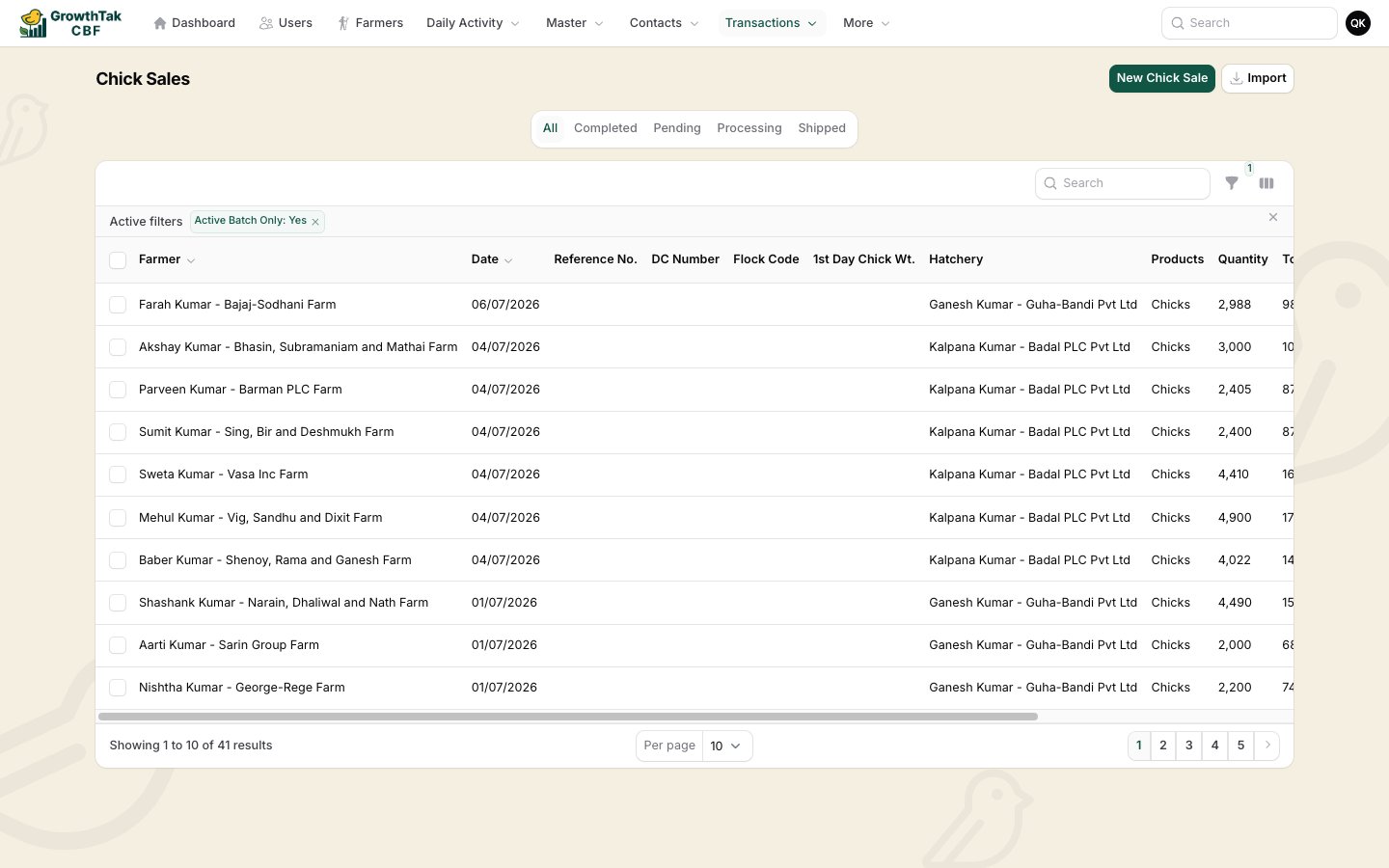
The Bird Purchase list.