

Feed reaches a batch in two ways: a Feed Purchase (bought from a supplier) or a Feed Transfer (moved from another batch or your godown). Both add to the receiving batch’s feed stock, which is then drawn down by daily feed consumption.

Feed Purchase

Records feed bought from a supplier and delivered to a batch.
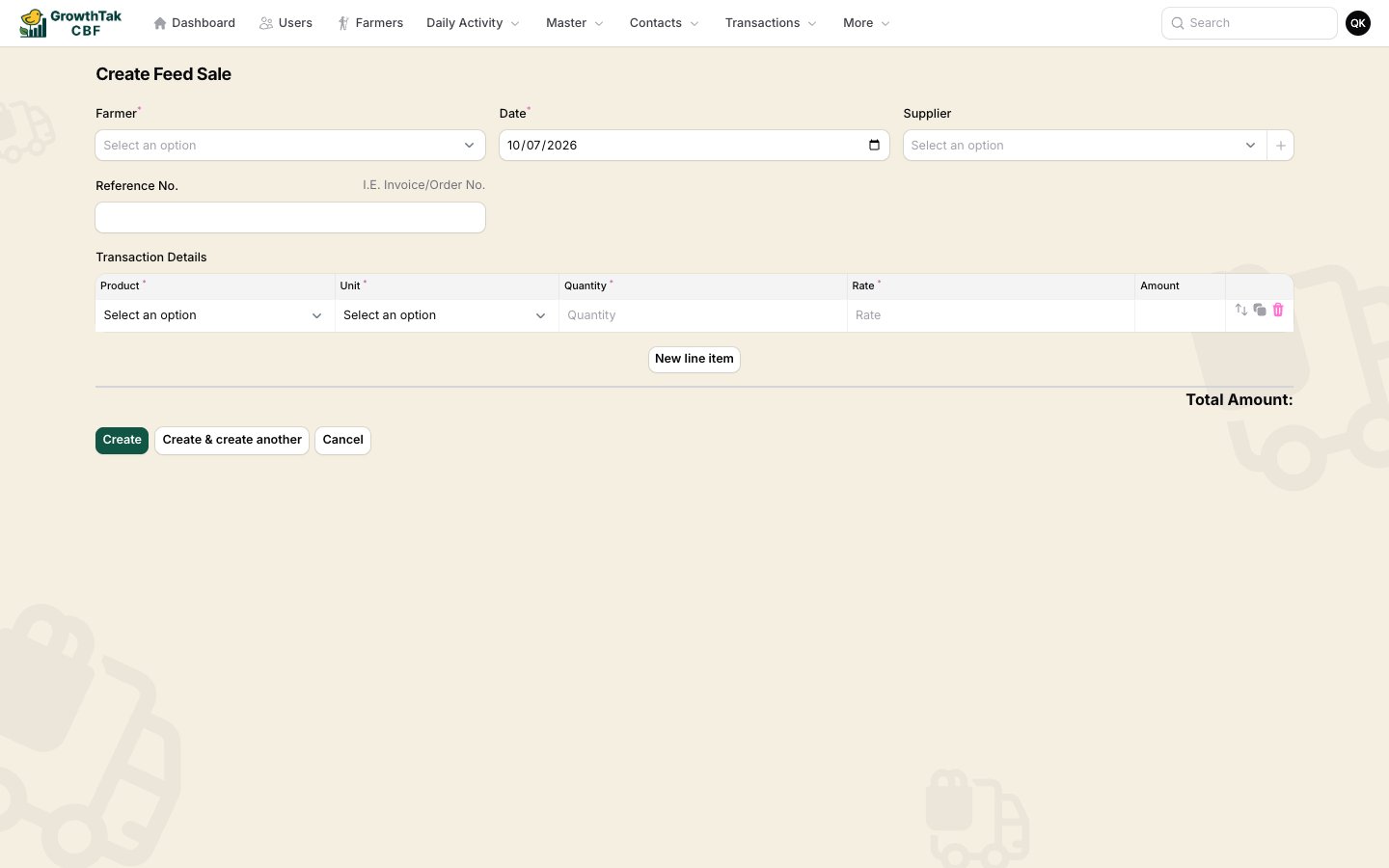
Feed purchase form
FieldNotes
Farmer / BatchThe batch receiving the feed.
DatePurchase/delivery date.
SupplierWho supplied the feed (create inline if new).
Reference No., DC NumberDocument references.
StatusLeave as Completed.
RemarkOptional.
Line items: Product (a feed grade), Unit (e.g. Bag), Quantity, Rate, Amount. Add a row per feed grade delivered. The purchase increases the batch’s feed stock and records the feed cost used in reports and GC.

Feed Transfer

Moves feed between batches — for example, surplus feed from one farm sent to another, or feed issued from your central godown.
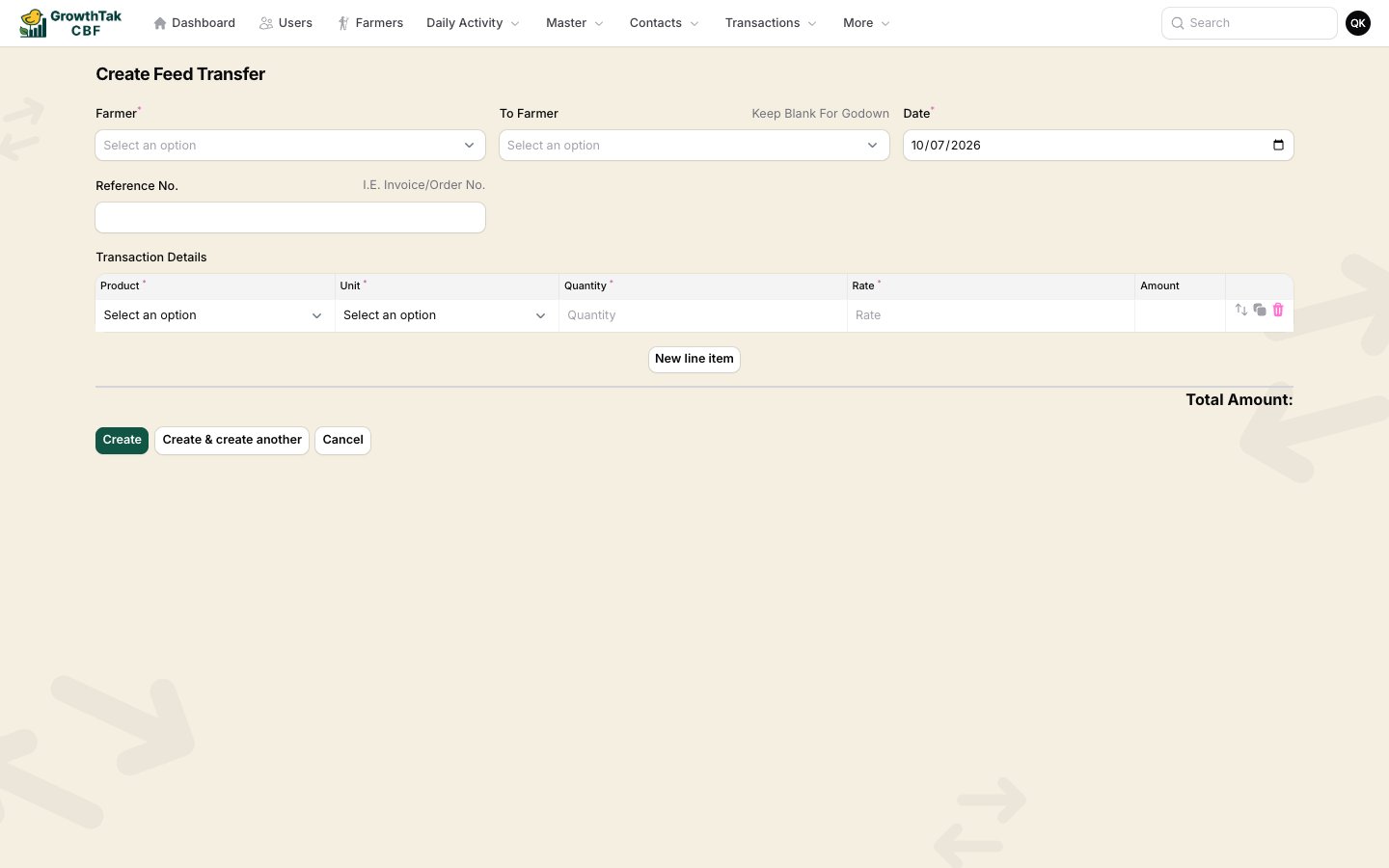
Feed transfer form
FieldNotes
From Farmer (Batch)The batch the feed leaves.
To Farmer (To Batch)The batch the feed goes to. Leave blank for godown.
DateTransfer date.
Reference No., DC NumberDocument references.
StatusLeave as Completed.
RemarkOptional.
Line items: Product, Unit, Quantityno rate, because a transfer moves stock without a new cost.
A transfer reduces the source batch’s feed stock and increases the destination’s. The feed’s cost stays with the original purchase — transfers carry no money.

Where feed stock shows up

After purchases and transfers, see the running balance on the batch’s Stock tab, and the consumption vs availability on the Projection tab. Day entries then deduct what’s actually eaten.
Set each batch’s feed lead time and safety stock days (on the batch) so the Projection tab can warn you to reorder before a farm runs out.