

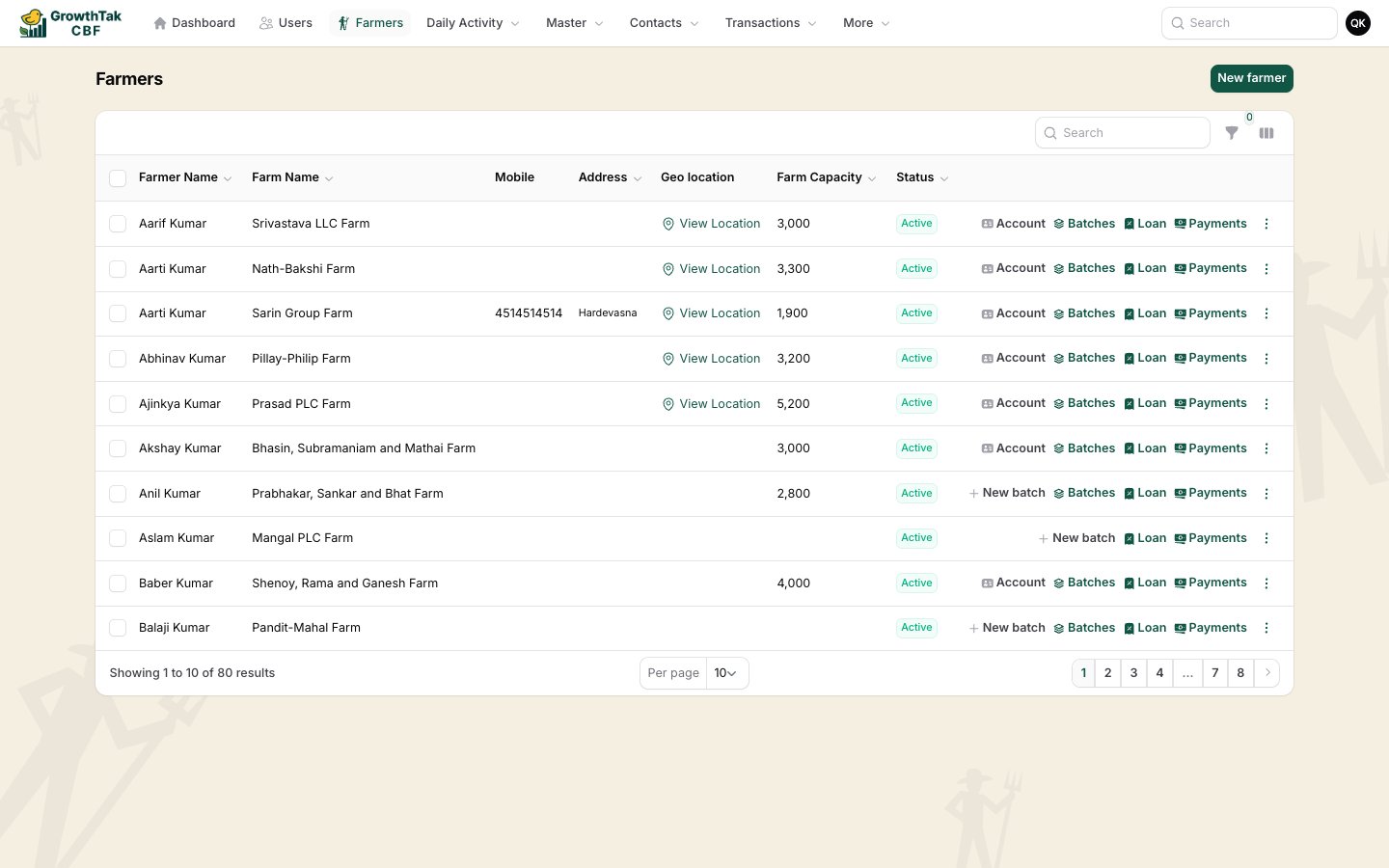
The Farmers list with per-row quick actions.
Adding a farmer
Select New farmer and fill in the shared contact fields. For farmers, two fields matter most:- Geo location — set the farm’s exact location so GrowthTak CBF can verify field visits. Use Pick on map.
- Farm capacity — the number of birds the farm can hold, useful when planning placements.
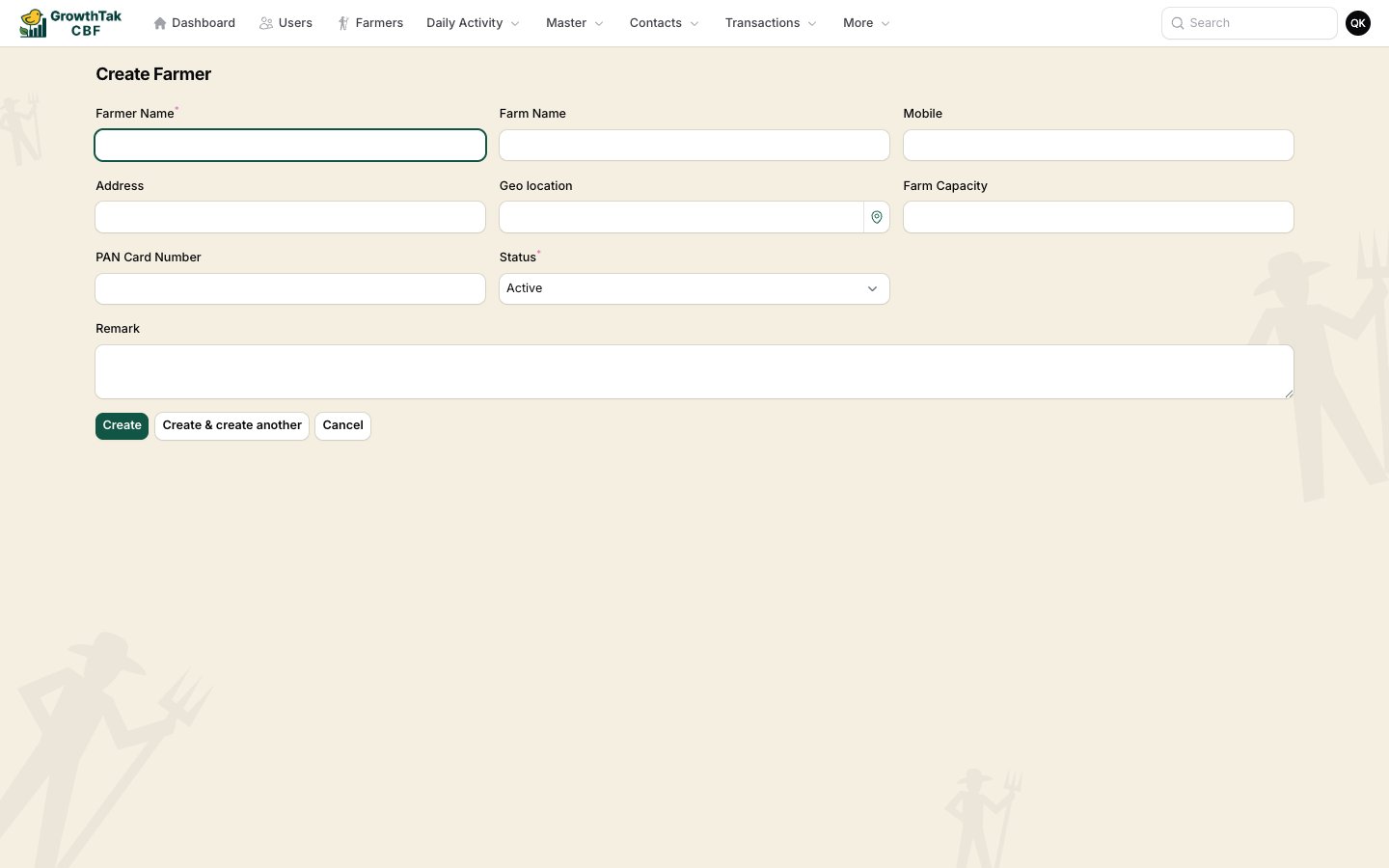
Creating a farmer.
Quick actions
Each farmer row shows context-aware buttons:Loans if Loan module is on
When the Loan module is enabled in Company Settings, you can record money advanced to a farmer and their repayments. Each loan record has:- Date, Amount, and Type (Loan or Repay).
- An optional Batch it relates to.
- A Remark.