

The Payments screen appears only when the Payment module is enabled in Company Settings. Loans need the Loan module.
Recording a payment
Go to Transactions → Payments → New.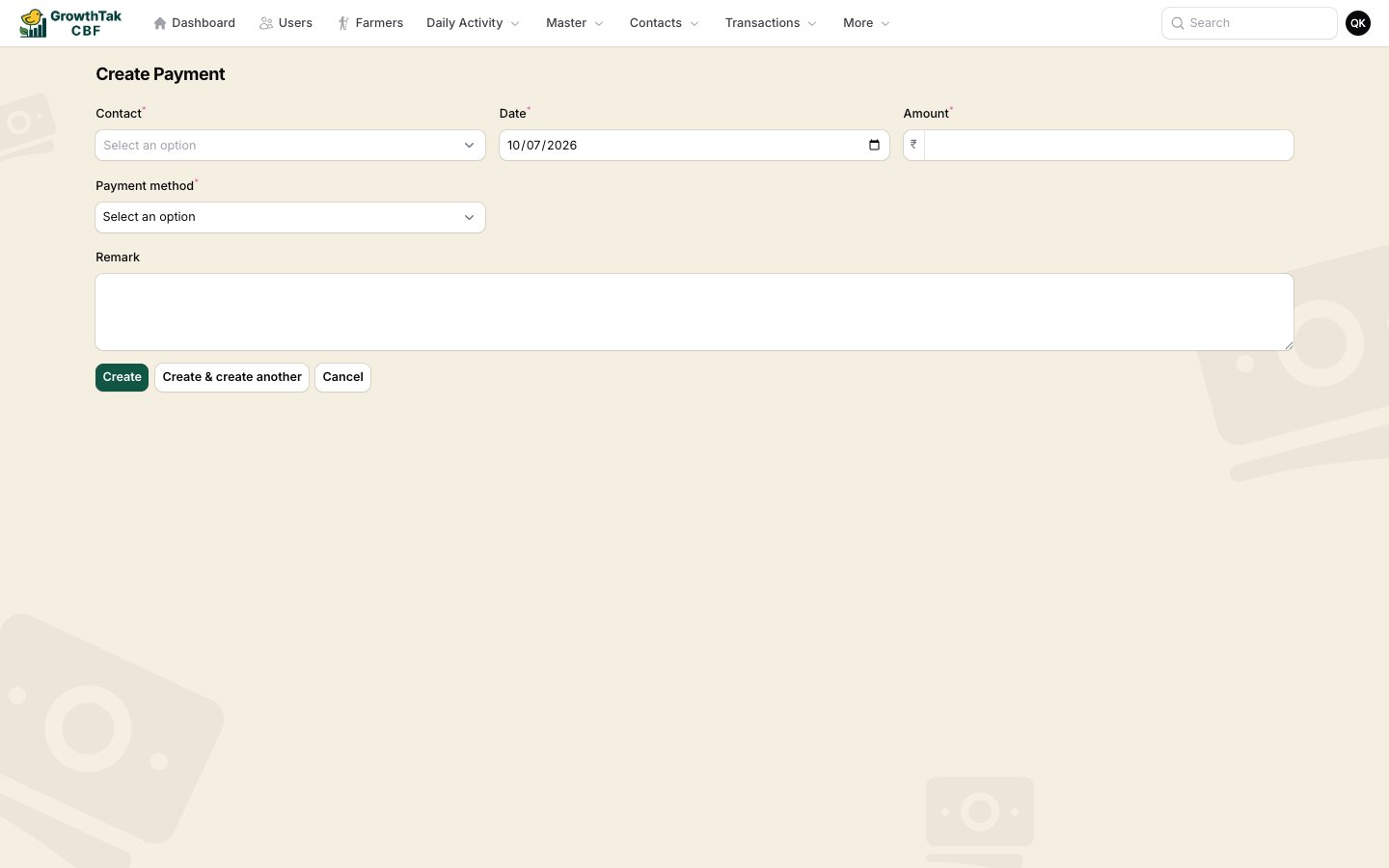
Recording a payment.
A payment’s direction is automatic — money in from a trader (customer), money out to a farmer or supplier.
Receipts
Each payment can print a Receipt (the printer action in the list), showing your company header, the contact, amount, method, reference, and any linked batch/loan deduction.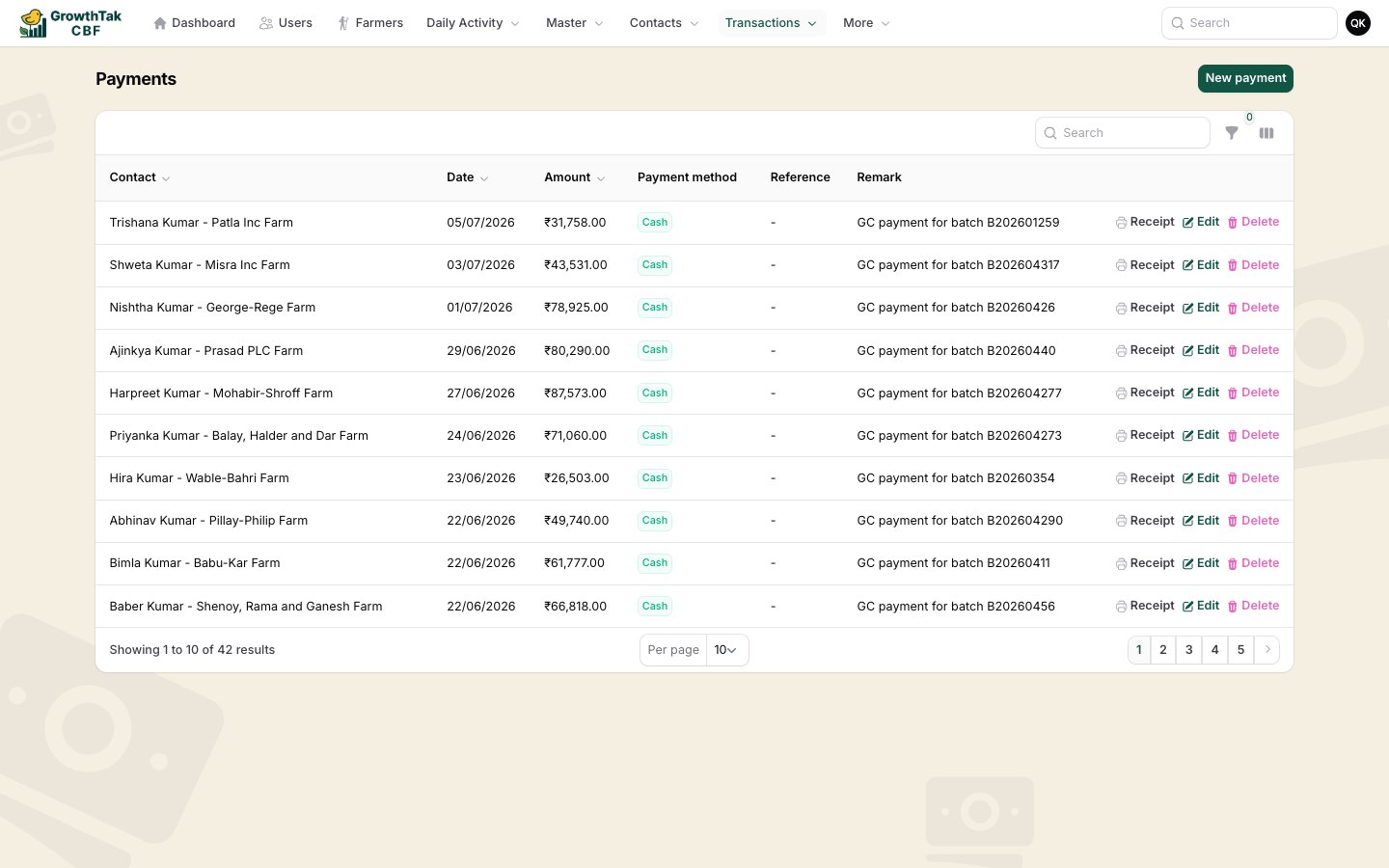
The Payments list, with per-row Receipt action.
Loans & repayments
With the Loan module on, you can advance money to farmers and track it:- A Loan record increases what the farmer owes.
- A Repay record (or a payment’s loan deduction, or a GC deduction) reduces it.
- A farmer’s outstanding is total loans − total repayments.
Settling the GC
After calculating and saving a batch’s GC, pay the farmer the GC payable. You can:- Record a payment to the farmer linked to the batch, or
- Use Mark as paid on the GC Paid report, which records the GC payment and sets the batch’s GC status to Paid.